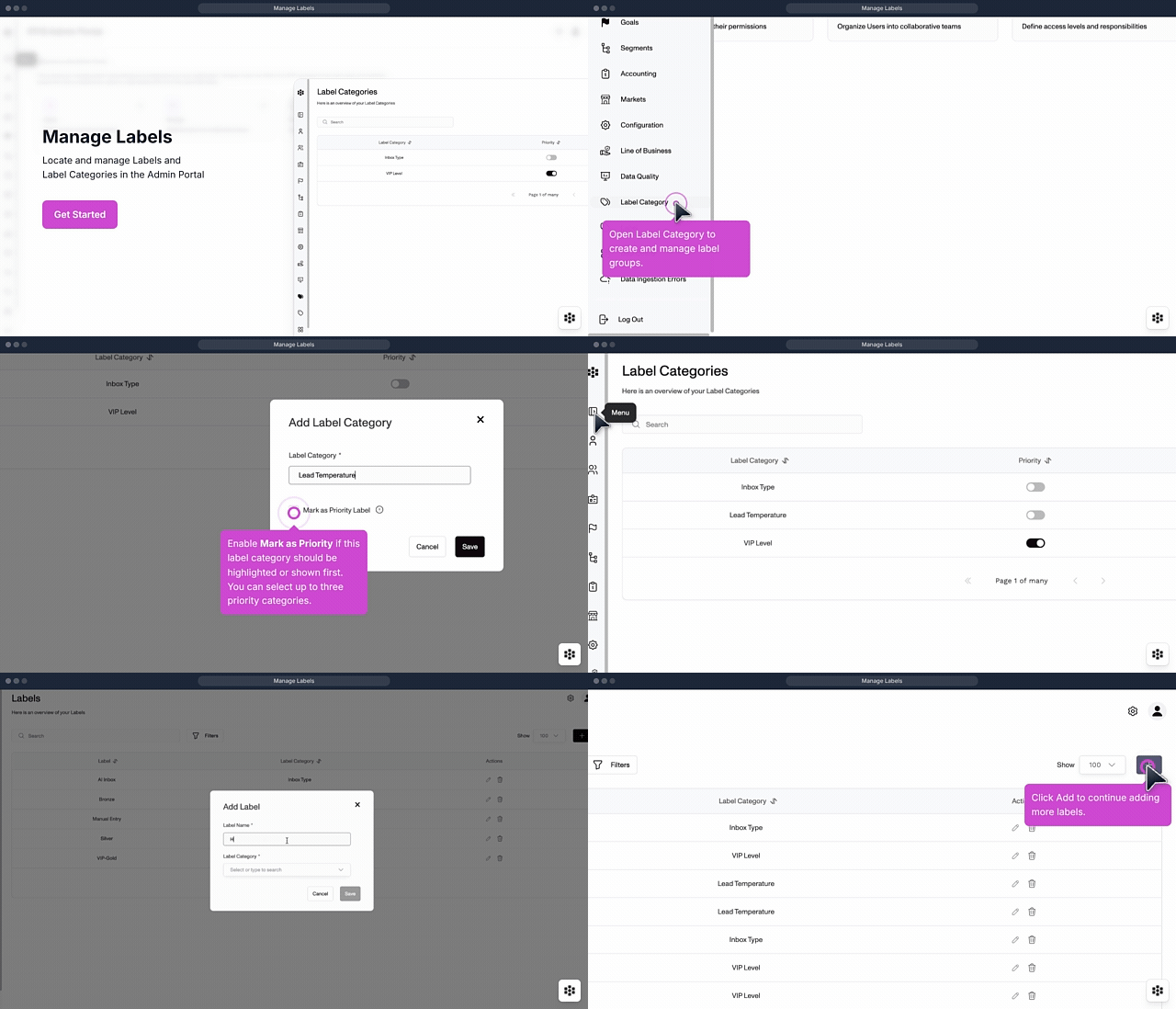
Stop cluttering your workspace with low-priority tasks so you can focus on the accounts that actually drive revenue. This module shows you how to create and apply custom priority labels to categorize your workload at a glance. You will be able to instantly identify high-value opportunities and ensure your team is always working on what matters most.
Stop cluttering your workspace with messy notes and outdated tags. This module teaches you how to create and manage custom labels so you can categorize files and records exactly how your agency operates. You will be able to find, filter, and track specific information across your entire system with a single click.
Tidy up your workspace by grouping similar items together so your team stays organized and focused. This module teaches you how to create and manage Label Categories to keep your files and tasks perfectly sorted. You will be able to standardize your agency's filing system and find the right information exactly when you need it.
Tired of digging through messy files to find specific client groups or policy types? This module introduces you to Labels and how they function as a powerful tool for organizing your data. You will be able to categorize your records instantly so your entire team can filter, sort, and find exactly what they need without the clutter.
Admins
Admin Portal
Add/Edit Role
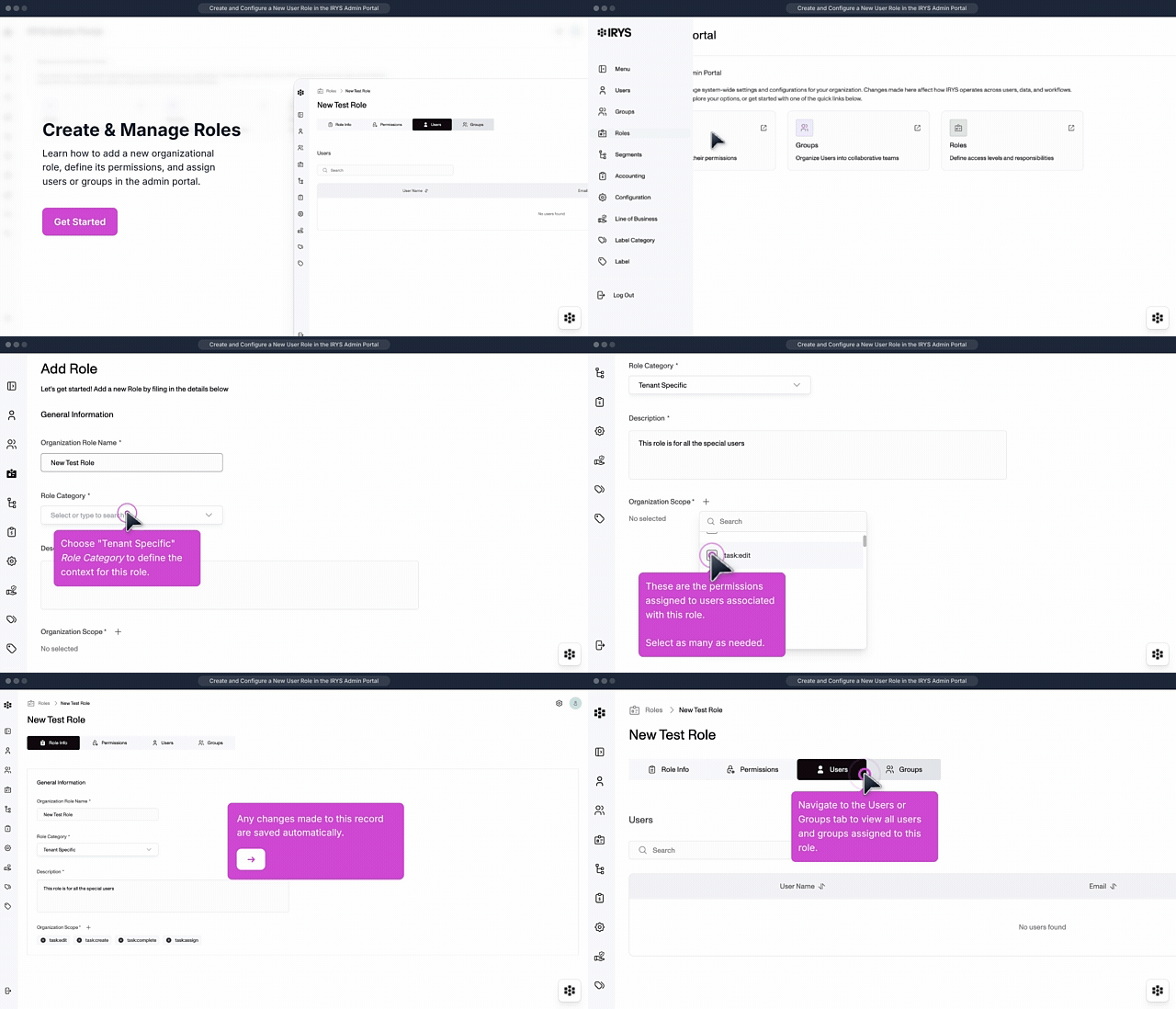
Ensure your team has the right tools for their specific jobs without compromising your agency's data security. This module guides you through creating and updating custom roles to match your unique organizational structure. You will be able to precisely control what each team member can see and do within the platform.
Stop wondering who can see or do what within your agency's system. This module explains how roles function as sets of permissions to ensure every team member has the right level of access. You will be able to assign clear responsibilities and protect sensitive information by understanding how to leverage roles effectively.
Admins
Admin Portal
User Listview – Activate/Inactivate User
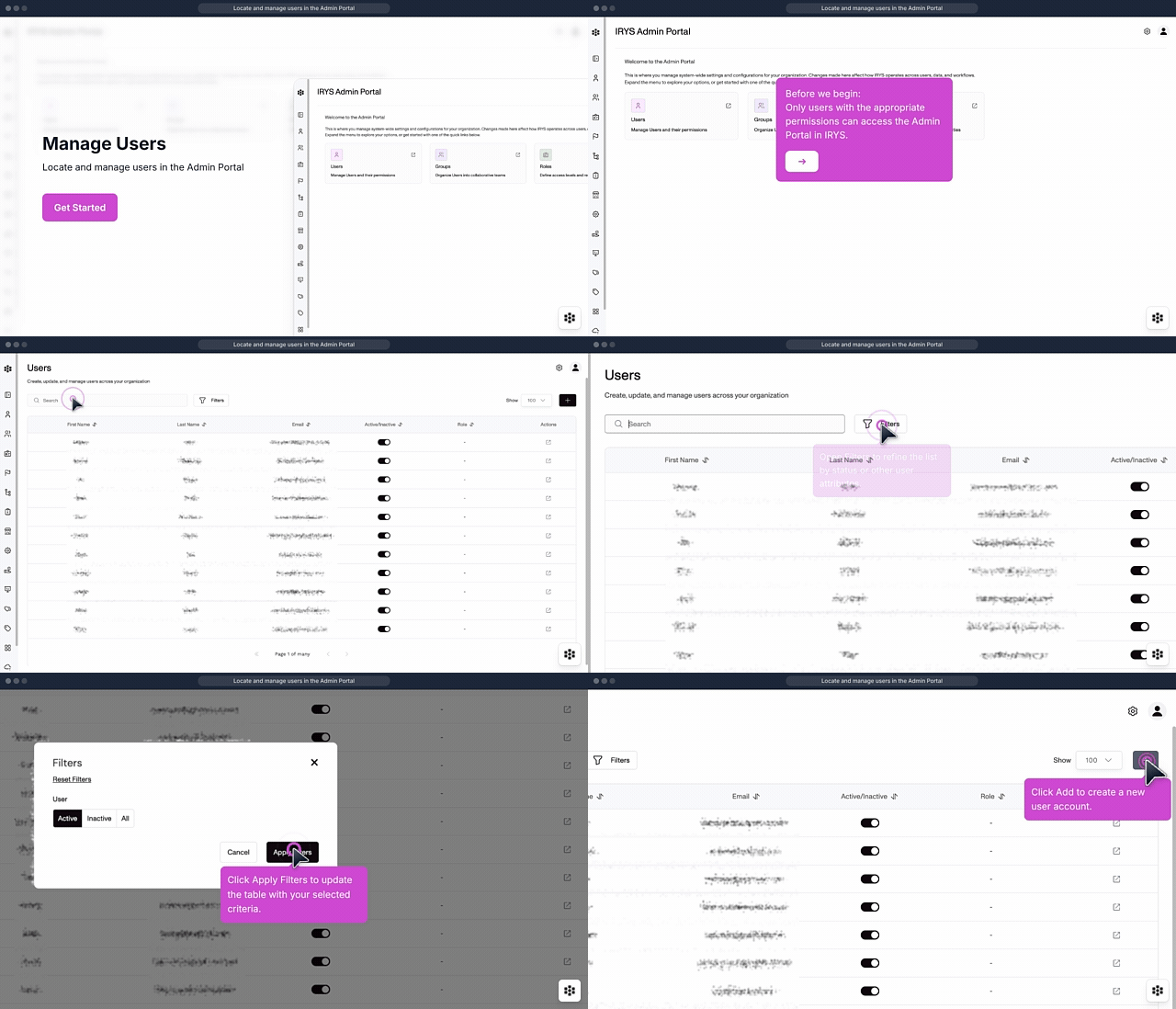
Keep your team list accurate and secure by easily managing who has access to your system. This module shows you how to toggle user status within the list view to reflect current staffing. You will be able to instantly grant or remove platform access to ensure your data stays in the right hands.
Stop wasting time searching for client information across disconnected screens. This module shows you how to navigate and customize your User Listview so the data you need most is always front and center. You will be able to organize your daily workflow efficiently and find exactly what you’re looking for in seconds.
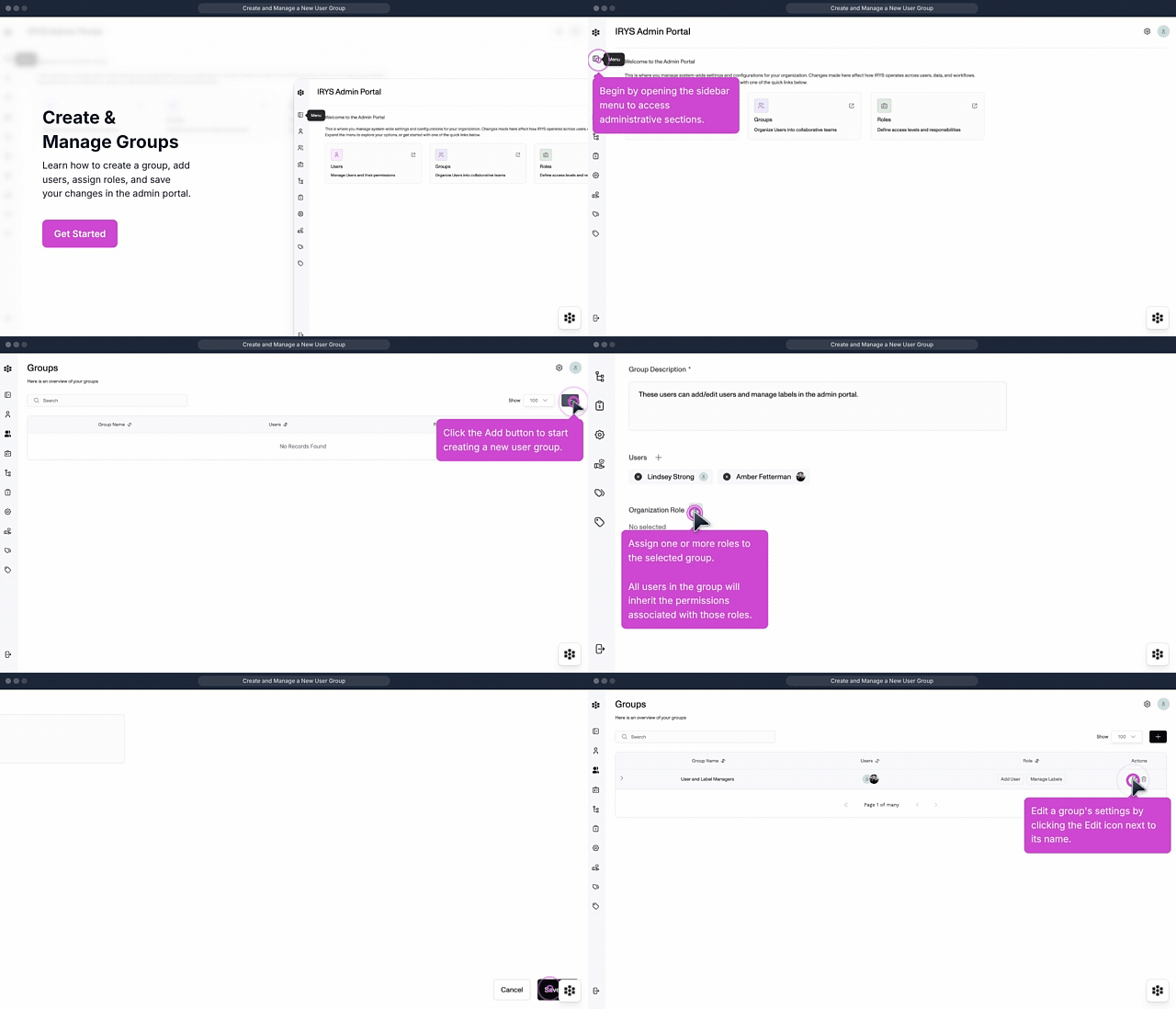
Stop struggling with fragmented team structures and inconsistent permissions. This module guides you through creating and managing internal groups to ensure every team member has the right tools and access. You will be able to organize your agency hierarchy effortlessly and maintain total control over your team's workspace.
Stop wasting time manually tracking related accounts and shared risks. This module explains how Groups work to help you organize multiple entities under a single umbrella. You will be able to view a complete picture of your client relationships and streamline your reporting across connected accounts.